
Owl Vision Solutions replaced a GTA home’s laggy mesh Wi-Fi with wired Wi-Fi 7: new cable drops from the second floor down to the basement plus two on the main floor, TP-Link Omada Wi-Fi 7 access points, a 2.5G PoE+ switch and a controller, routed so no wall needed patching.
The problem: mesh that couldn’t keep up
The homeowners had dead zones and a mesh system that slowed down and dropped connections as they moved around the house. That’s common. Wireless mesh units pass the signal between each other over the air, and every hop costs speed. In a bigger house with several floors, the far rooms get what’s left.
The fix: wired access points
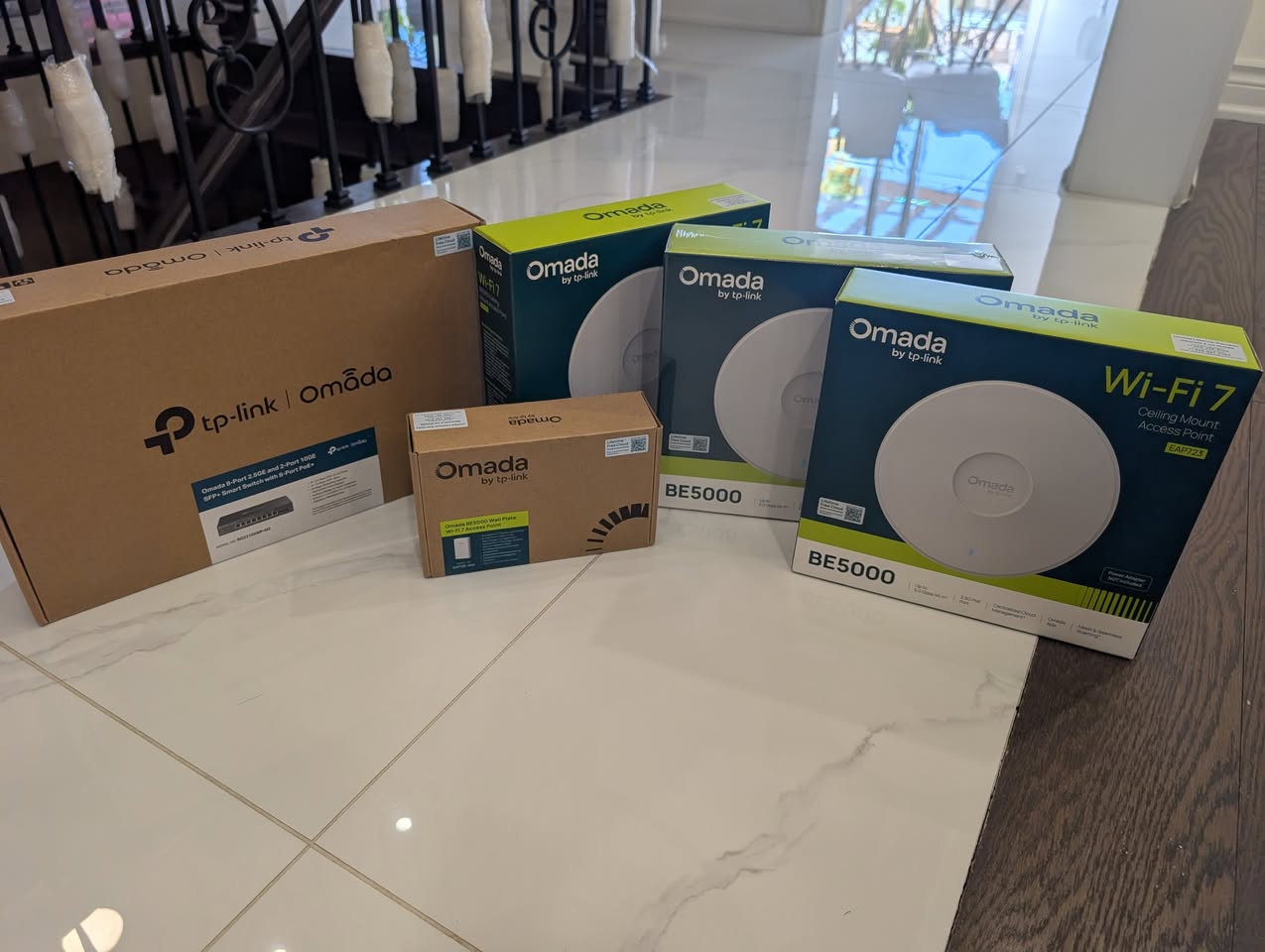
Instead of another mesh kit, we ran network cable to each access point so every one gets a full-speed wired connection back to the switch:
- Cable drops from the second floor down to the basement, plus two on the main floor
- TP-Link Omada Wi-Fi 7 ceiling access points
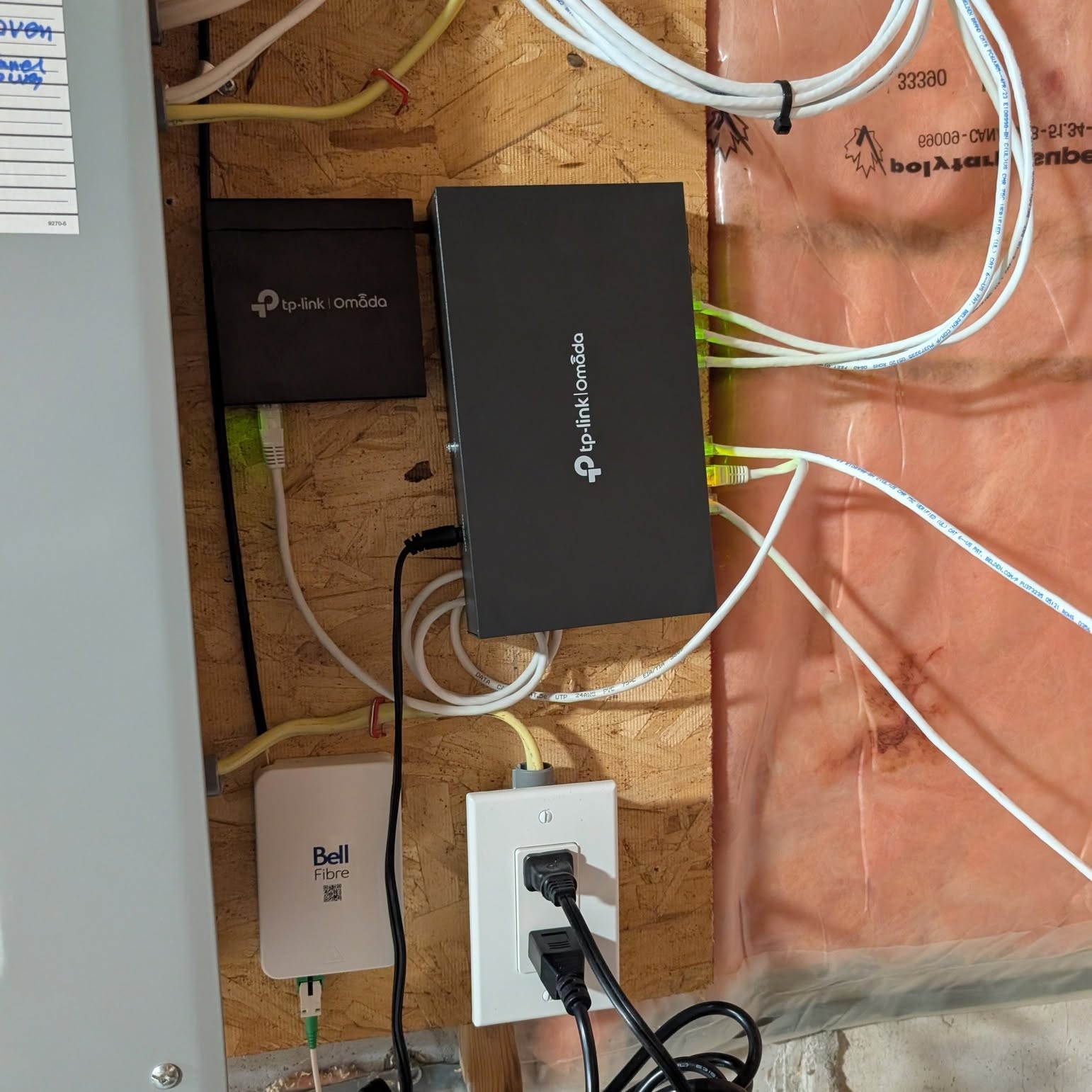
- A 2.5G managed PoE+ switch, which powers the access points over the same cable
- An OC200 controller to manage the whole network as one, so devices hand off smoothly between access points
No patch jobs
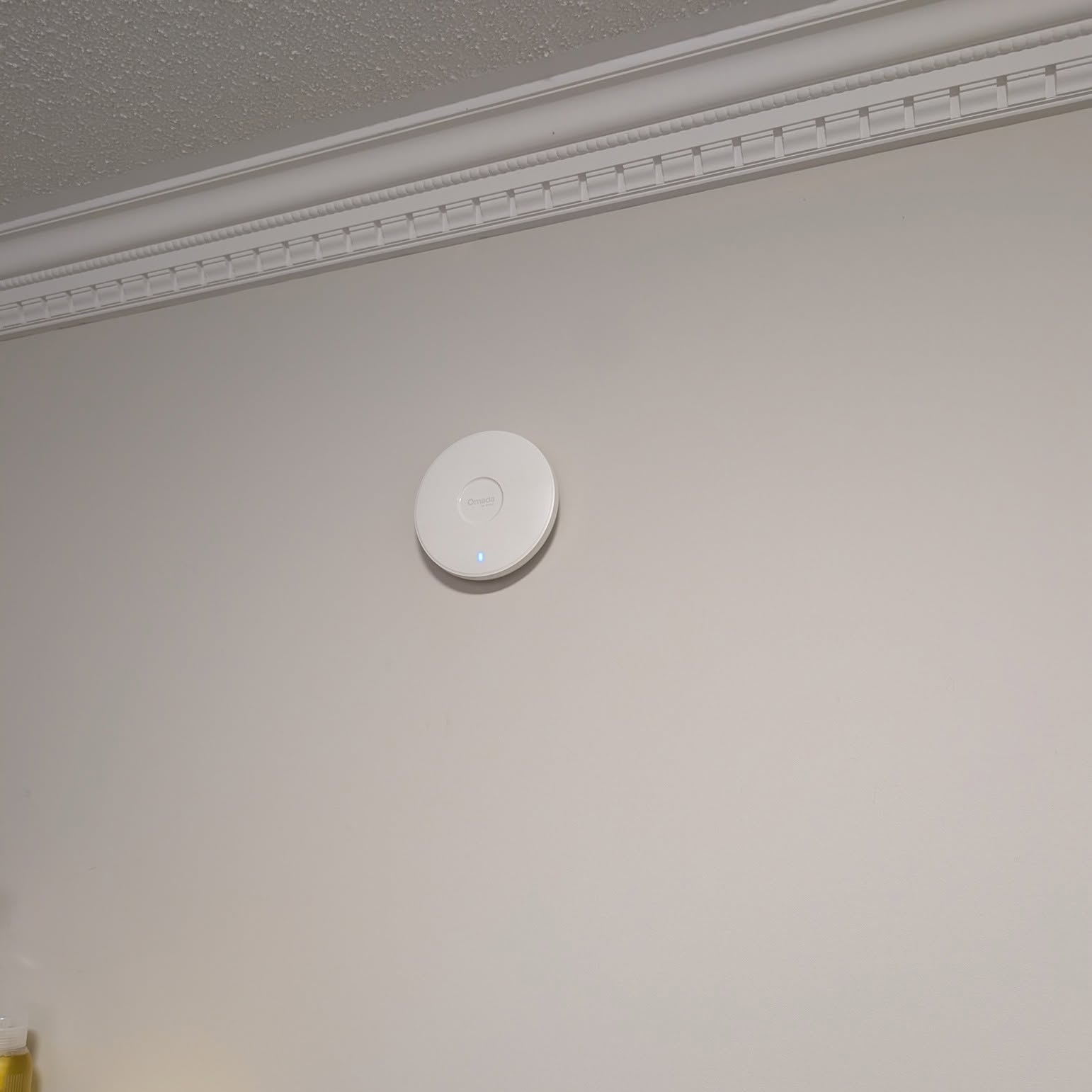
The part the homeowners noticed most: they didn’t need a single drywall repair. Careful route planning meant the cable reached every access point without opening and patching walls.
Do you need Wi-Fi 7?
Not everyone does, and older devices won’t use its full speed. What matters more than the Wi-Fi generation is that the access points are wired. A wired Wi-Fi 6 setup will usually beat a wireless Wi-Fi 7 mesh. If you’re upgrading anyway, Wi-Fi 7 gives you headroom for years.
Dead zones at home? Call (647) 588-9688 or request a quote.
Frequently asked questions
Are wired access points better than mesh Wi-Fi?
Usually, yes. Wireless mesh nodes use part of their capacity to relay traffic to each other. Access points connected by Ethernet use the cable for that link, so each one can give its full capacity to the devices in its area.
Do I need Wi-Fi 7 devices to benefit?
No. Wi-Fi 6 and older devices still connect to Wi-Fi 7 access points. Most of the improvement comes from wired access points placed in the right rooms; Wi-Fi 7 adds headroom as newer phones and laptops support it.
Owl Vision Solutions is a low-voltage and security installer based in Markham, Ontario, serving homes and businesses across the GTA. Book a site visit or call (647) 588-9688.
Related: Wi-Fi and network installation · structured cabling · pre-wiring a new build